
AI infrastructure: the kitchen behind the chef
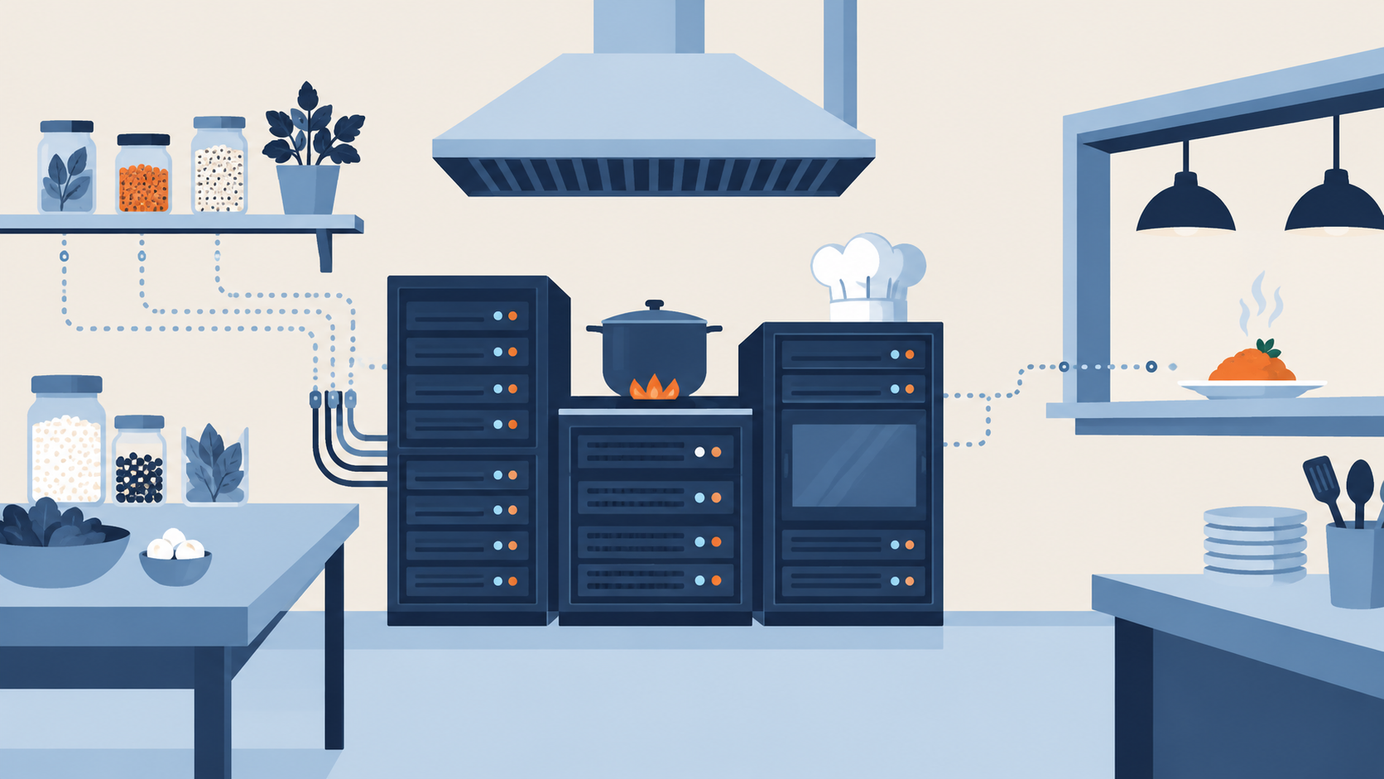
The model is the chef; infrastructure is the kitchen. An unhurried tour of the five pieces that keep an AI app working every day.


AI does not live alone: the building nobody sees
When someone uses an AI assistant, they see a text box and an answer that shows up in seconds. It feels like light, weightless magic. But behind that box there is a whole building: very powerful computers, warehouses of data, cables that move information at full speed, teams that make sure everything keeps running, and locked doors so only the right people get in.
Whether you build in-house or hire an AI software development company, the kitchen matters more than the menu: this is what is actually behind the dish.
That building is called AI infrastructure. It is not as famous as the models, but it decides whether an AI app answers fast, costs a sensible amount, and keeps working on a Tuesday afternoon when a thousand people show up at once.
This article is an unhurried tour of that building. The goal is that by the end you hold a clear mental map: which pieces exist, what each one is for, and which questions are worth asking when someone says "let's build this with AI."
The kitchen and the chef
A simple way to see it: the AI model is the chef. It has talent, a recipe and good taste. But a chef without a kitchen is not much use. It needs strong stoves, a full fridge, helpers who hand over ingredients at the right moment, an order system, and someone checking that the food leaves the kitchen hot and on time.
Infrastructure is the kitchen. And just like in a restaurant, a well-designed kitchen lets the same chef serve more dishes, faster, with less waste.
The five pieces of the building
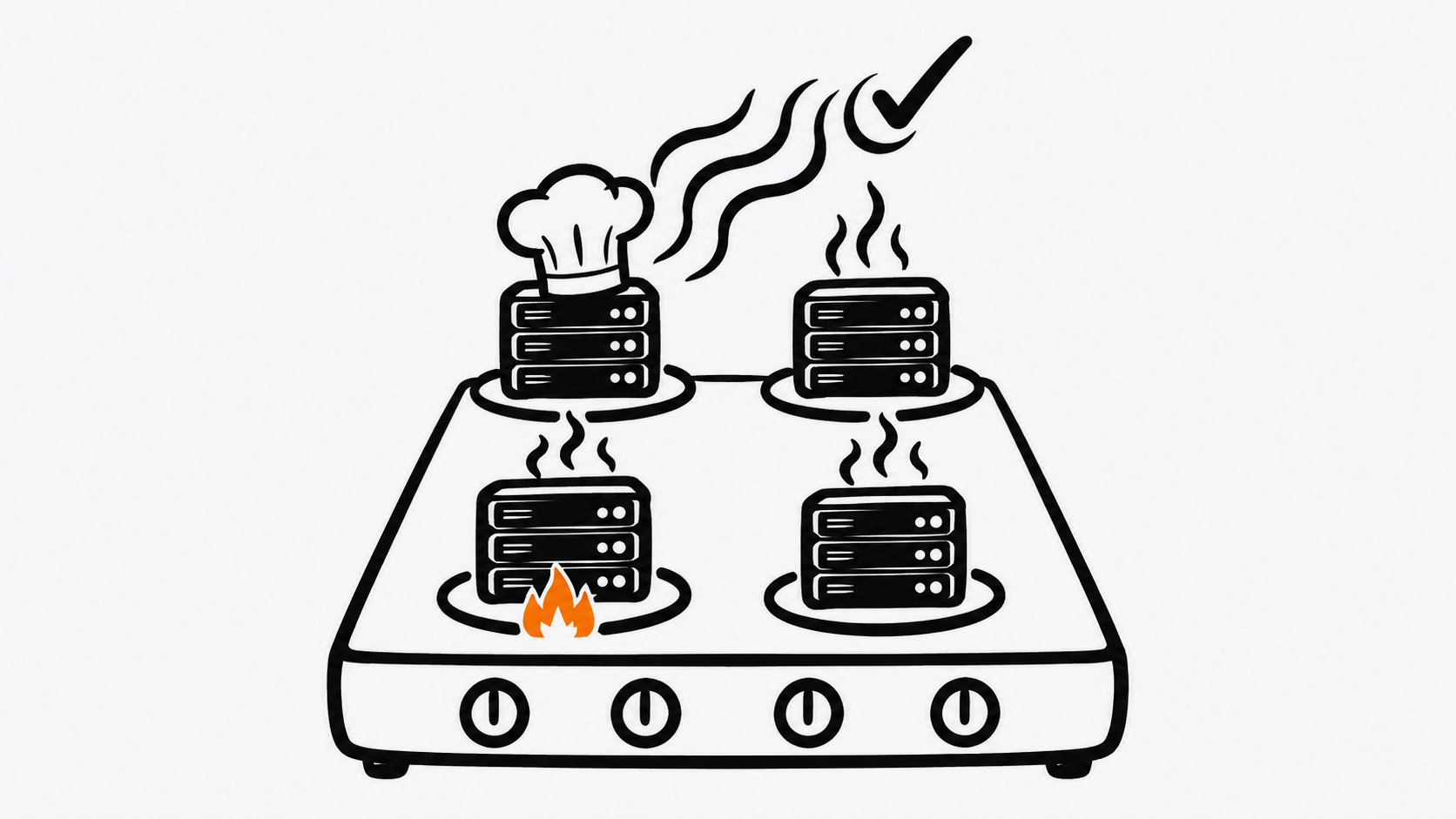
Almost all AI infrastructure fits into five blocks.
- Data. These are the ingredients: text, images, records, documents. Before they are used they need to be cleaned, organized and moved to where they are needed. That journey is called a "data pipeline."
- Compute. These are the stoves. Here you find processors (CPUs) and, above all, graphics cards (GPUs), which are great at doing millions of calculations at once. There are also specialized chips called TPUs.
- Storage. The pantry and the fridge: where datasets, model files and training save points live.
- Networking. The hallways of the kitchen. If they are narrow, everything gets stuck. That is why bandwidth and short waiting times between machines matter so much in AI.
- Platform. The head chef who coordinates: containers, orchestrators, tracking tools, monitoring and access control.
The nice thing about this list is that it works the same for a small project and a giant one. The size changes, the map does not.
Two different jobs: training and serving
A model has two moments in its life, and each one asks for different things.
Training is teaching the model. It is a long, intense job with an end date: you give it lots of data, tune it again and again, and at the end you save the result. What matters most here is having plenty of power for a while.
Serving (often called "inference") is using the trained model to answer real people. This job never switches off: it has to be available all day, answer quickly and grow when more people arrive. What matters most here is steadiness and response time.
Thinking about these two jobs separately helps you decide well. Training looks like a construction project with a start and a finish; serving looks like running a shop that opens every single day.
Containers and Kubernetes: tidy boxes
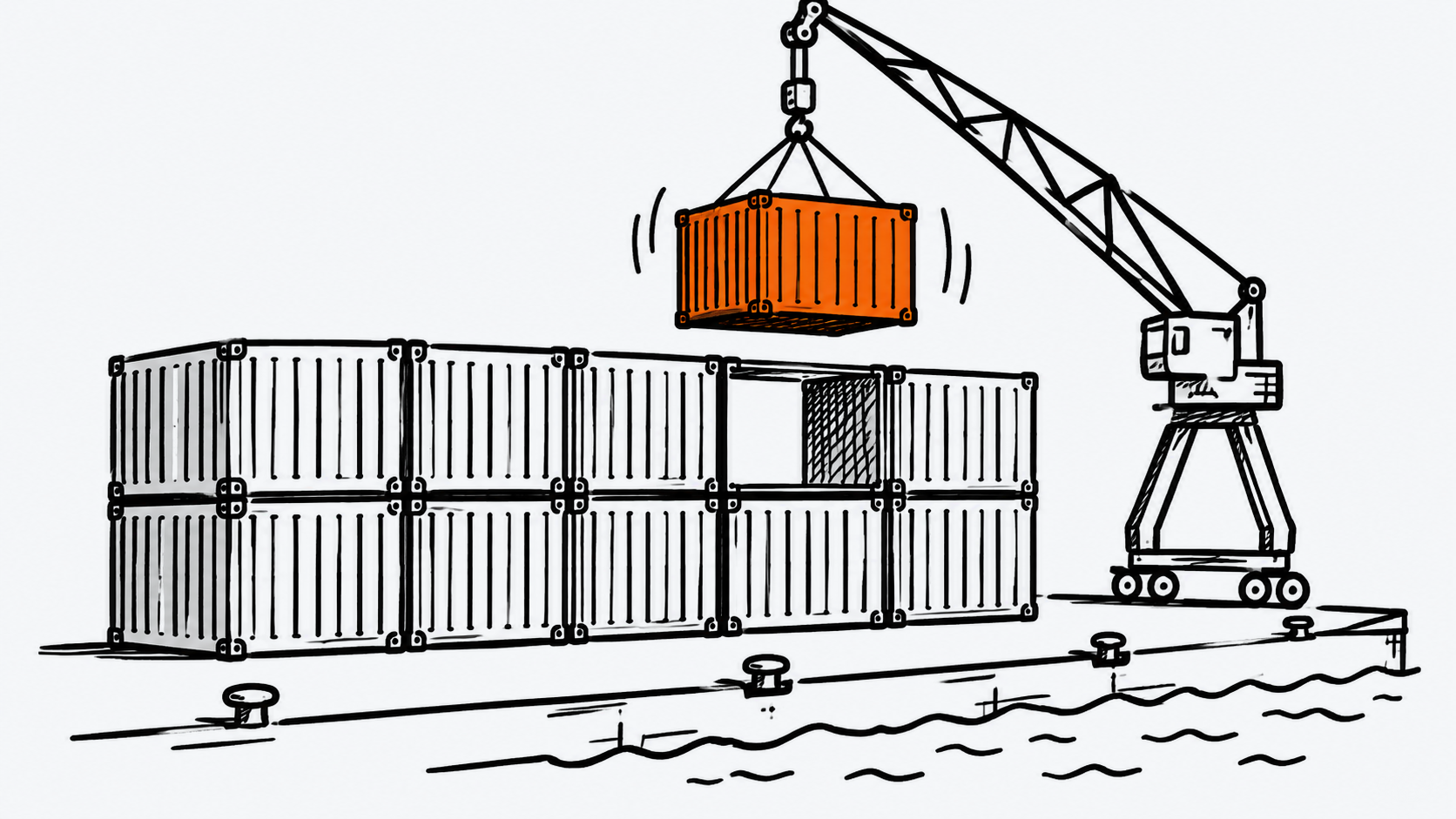
To make something run the same way on your computer, on a colleague's, and in a data center, people use containers. A container is a sealed box that carries the program and everything it needs. If it works in one box, it works in all of them.
When you have many boxes, someone has to arrange them. That is the job of Kubernetes, an open-source platform that places, scales and repairs containerized applications. A few words you will hear:
- Pod: the smallest unit; it runs one or more containers.
- Deployment: keeps several copies of an application running, for example a service that answers questions.
- Job: a task that runs until it finishes, like a training run.
- Service and Ingress: the front door where requests come in.
- Persistent volume: storage that survives even if the container restarts.
The practical rule: services that attend to people run as Deployments; training runs as Jobs.
Asking for a GPU: a curious rule
In Kubernetes each container can ask for an amount of CPU and memory, with a guaranteed minimum (a "request") and an allowed maximum (a "limit"). This keeps one application from eating all the resources on a machine.
GPUs come with a detail that the official documentation explains clearly: GPUs go in the limits section. You can set only the limit and Kubernetes will use it as the request too; if you set both, they must be equal. In other words, a GPU is not shared out in little pieces the way memory is: it is assigned whole to a container.
For the cluster to know that GPUs exist, some software has to expose them. Tools such as the NVIDIA GPU Operator automate the installation of what is needed: drivers, the device plugin, the container toolkit and node labeling. It is like hiring someone who gets the stoves ready before the chef arrives.
What a training run looks like inside
A training run follows a fairly tidy sequence: the data is prepared and sent to the accelerators (GPUs or TPUs), the model learns in rounds called "epochs," it is checked against data it has not seen, and if all goes well the final result is saved.
Two ideas make it manageable.
Checkpoints. Training can take hours or days. A checkpoint is a snapshot of the model's state at a given moment. If the machine restarts, you pick up from the last snapshot instead of starting over. It is like saving your game.
Training on several GPUs. When the model or the data is large, the work is split up. In PyTorch, the DistributedDataParallel tool recommends launching one process for each copy of the model, and a single GPU is not shared between those processes. In plain words: every helper gets their own stove.
It also helps to size resources to the job: model size, data size and available time. And to watch GPU, memory, network and storage usage while it runs, so you can adjust in time.
MLOps: keeping the recipe tidy
MLOps brings together three worlds: machine learning, software development and data handling. Its goal is for a model to move from experiment to something dependable in production. It relies on simple habits:
- Version the model. Know which one is version 1.0, which is 1.1, and which one is in use today.
- Record experiments. Tools such as MLflow save the parameters, metrics, code version and output files of each run, so you can compare and understand what worked.
- Make results repeatable. Keep code in Git, note dependencies, use containers and fix random seeds.
- Automate. Let training, testing and deployment run with a button instead of a twenty-step manual.
It is what a good kitchen does with its recipes: written down, tested, dated and easy to repeat.
Security: locked doors, each cut to size
Data, models and keys are a treasure, so infrastructure includes a good access system. Some habits, all backed by official documentation:
- Give only the access that is needed. Each person or program gets permissions for its own job and nothing more.
- Use temporary credentials. AWS best practices recommend that applications use roles with temporary credentials and that people use multi-factor authentication.
- Run containers without administrator rights. Kubernetes security standards ask that containers run as a non-root user, and Docker guides explain how to create that user inside the image.
- Keep secrets in a place of their own, not pasted into the code.
Security is easier to enjoy when it is planned from the start. Adding it at the end is always more work.
Watching and caring for the budget
Once everything runs, two questions come up every day: is it working well, and how much are we spending? For the first, monitoring dashboards help: response time, GPU use, memory and alerts. For the second, switch off what is not in use, right-size resources, and scale with real demand.
GPUs are among the most valuable things in the building, so using them well is usually the biggest saving available.
An end-to-end example
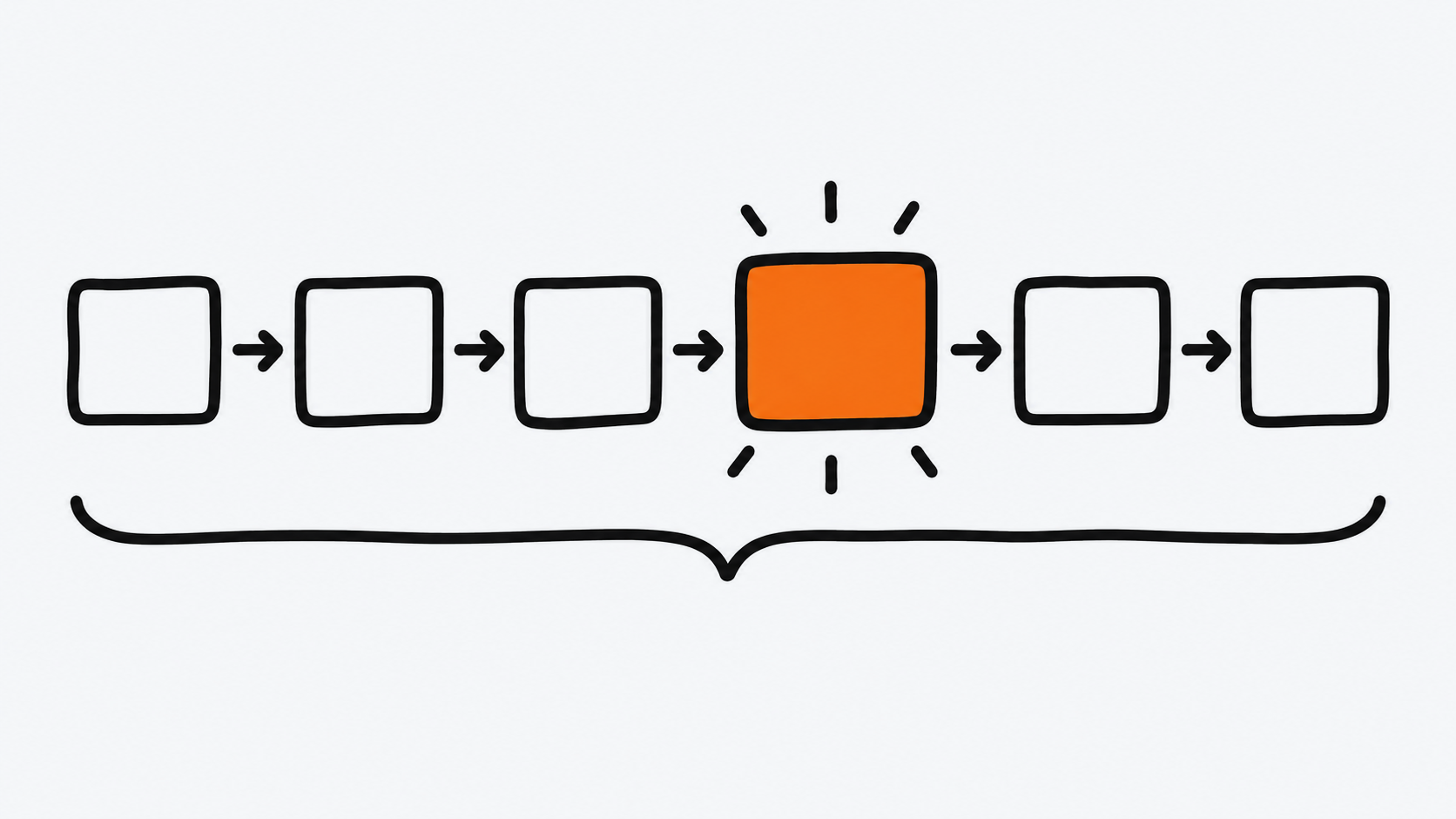
Imagine an assistant that answers customer questions on a website.
- The company's documents are stored and organized in the data layer.
- A training job runs on a GPU cluster and saves checkpoints now and then.
- The result is versioned and stored in a model registry.
- The model is published as a service with several copies, behind an entrance that requires authentication.
- People type from the website and the answer arrives in seconds.
- Monitoring dashboards show response times and GPU use, and new data feeds the next version.
Notice that the model is one step out of six. The other five are infrastructure.
Five questions to carry in your pocket
- Where does the model live, and who can get to it?
- What happens when ten times more people than expected show up?
- How do we find out that something is getting slow?
- How much does each GPU hour cost, and how do we make better use of it?
- How do we publish a new version without interrupting the service?
With those five questions you can hold a useful conversation about any AI project, without needing to be an engineer.
To close
Models are the part that gets seen and talked about. Infrastructure is the part that makes them work every day, for everyone, without surprises. Understanding the building, even in broad strokes, gives you a big advantage: you stop seeing AI as a magic box and start seeing it as a system that can be planned, measured and improved.
Next time an AI answer reaches you in two seconds, think about the kitchen behind it. A lot of people worked to keep that stove hot.
Sources
Kubernetes. Schedule GPUs: https://kubernetes.io/docs/tasks/manage-gpus/scheduling-gpus/
Kubernetes. Resource Management for Pods and Containers: https://kubernetes.io/docs/concepts/configuration/manage-resources-containers/
Kubernetes. Pod Security Standards: https://kubernetes.io/docs/concepts/security/pod-security-standards/
NVIDIA. About the NVIDIA GPU Operator: https://docs.nvidia.com/datacenter/cloud-native/gpu-operator/latest/overview.html
PyTorch. Getting Started with Distributed Data Parallel: https://pytorch.org/tutorials/intermediate/ddp_tutorial.html
MLflow. ML Experiment Tracking: https://mlflow.org/docs/latest/ml/tracking/
AWS. Security best practices in IAM: https://docs.aws.amazon.com/IAM/latest/UserGuide/best-practices.html
Docker. Building best practices: https://docs.docker.com/build/building/best-practices/
Was this article helpful?