
How much authority should you give Copilot Autopilot in your business?
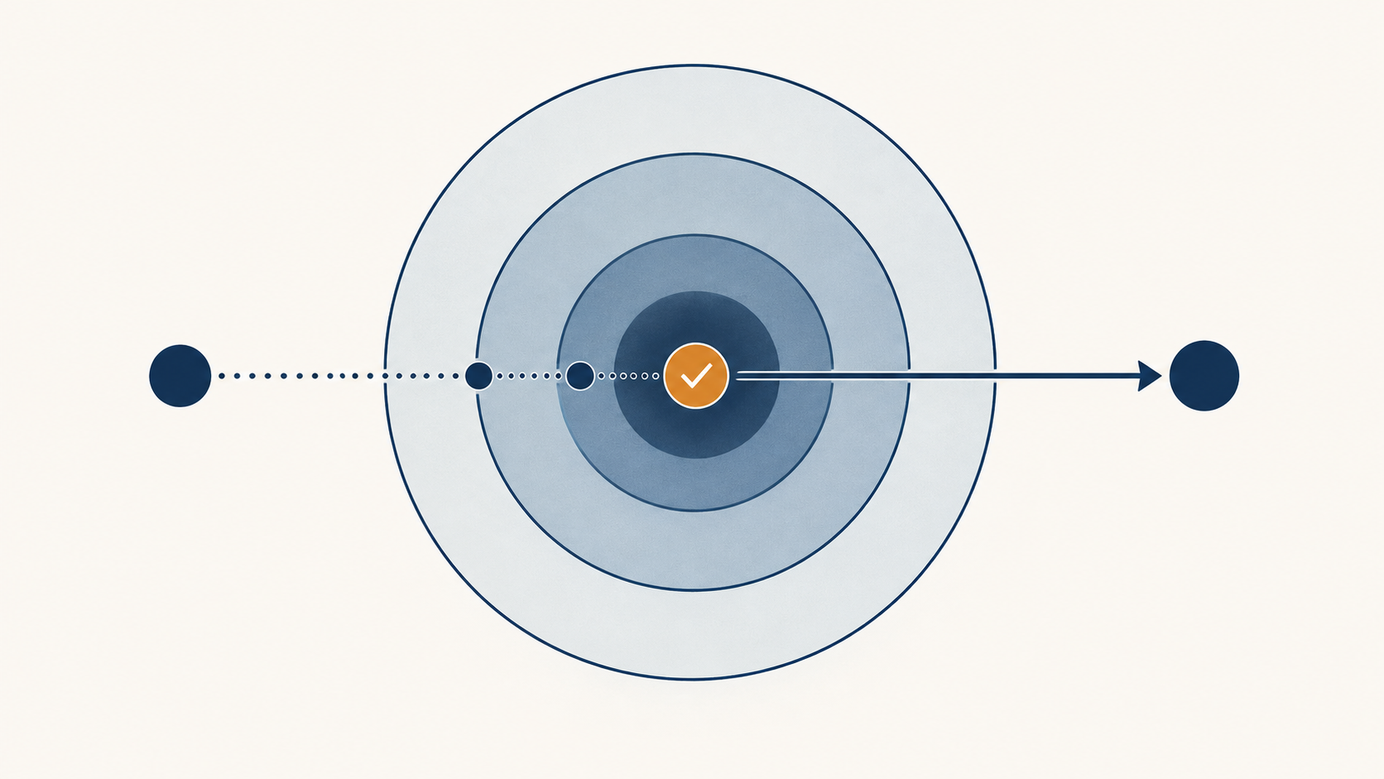
Short answer: start with the least authority needed for one defined job. A tool that can follow conversations, pick work back up and act in applications should not automatically be allowed to approve spending, answer customers or change records. Begin with read access.


Short answer: start with the least authority needed for one defined job. A tool that can follow conversations, pick work back up and act in applications should not automatically be allowed to approve spending, answer customers or change records. Begin with read access. Then test reversible actions within clear limits, keeping human approval for anything that affects money, customers, security or sensitive data.
On September 25, 2026, Microsoft introduced Autopilot as a Copilot capability with its own identity, memory, computer and workspace inside an organization's tenant. Microsoft describes watching channels, following up on threads and running recurring work. That is a product description, not an independent audit of how it will perform in your company. Availability and exact features can vary, so verify your license and configuration before planning a rollout. Source: Microsoft's Copilot announcement.
If your team is already using AI tools without telling you, I wrote about that too: your team uses AI and isn't telling you.
Five questions before handing over the keys
1. What exact job will it do, and what is out of scope?
"Help sales" is too broad. "Prepare a daily draft follow-up for open opportunities, without sending it" can be tested. Write down inputs, expected output, schedule and cases to escalate. If the job cannot fit in a paragraph, you might be packing three processes into one box.
2. Which data does it actually need?
Define the folders, channels and records it can inspect. Check inherited permissions and outdated documents before expanding access. An agent's memory will not make a wrong file right; it may only help repeat the mistake more confidently. In its Work IQ description, Microsoft discusses table and column scope, excluding outdated views and actions within user permissions. Test those boundaries in your deployment, not only a demo. Source: Microsoft Work IQ.
3. What can it execute without asking?
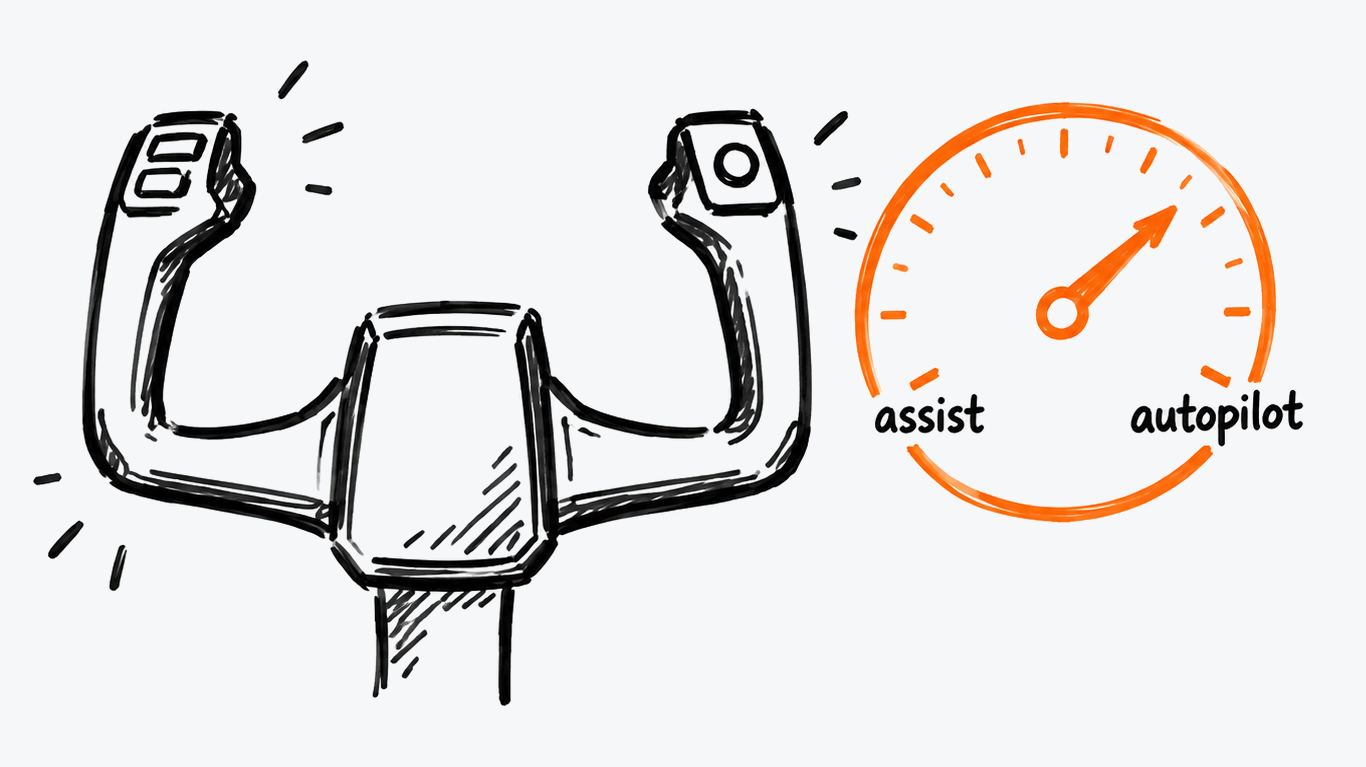
Separate three levels: read and recommend; prepare changes for review; execute changes. Reading a ticket and suggesting a reply is not the same as sending it. A simple approval matrix might say that an agent drafts, an account owner approves external communications, and an authorized manager alone changes discounts or payments. Instructions embedded in emails or documents are data, not commands to the agent. OWASP advises limiting tool access and permissions, with controls for high-impact actions. Source: OWASP AI Agent Security Cheat Sheet.
The underlying question is who answers for the outcome: who owns the work when an AI agent participates.
4. How will you know what it did, and stop it?
Ask for a record of the request, information consulted, proposed action, approval and final change, without making the log a new unprotected store of personal data. Name who can pause the agent, revoke access and correct a record. "We can undo it" is not useful if no one knows what changed. NIST's AI risk framework groups work into govern, map, measure and manage. Use it as a discipline, not a magic security seal. Source: NIST AI RMF.
5. What result would justify more permission?
Measure a baseline before the pilot: time per case, mistakes, review effort and exceptions. Compare similar cases afterward, including usage and maintenance cost. If an agent speeds up the first draft but doubles corrections, the improvement may exist only in the presentation.
A one-page permission matrix
| Action | Initial authority | Reviewer | Stop or correction path |
|---|---|---|---|
| Read tickets in a test queue | Read-only, limited scope | Support lead | Revoke queue access |
| Draft a follow-up | Draft only, no send | Account owner | Discard draft |
| Change a discount or send a reply | No autonomous execution | Authorized person before the change | Documented correction process |
This table is a design example, not a claim about Copilot's default permissions. Tailor limits to your business and verify that the technical controls enforce them.
When should you move from drafts to actions?
Only after testing normal cases and real exceptions, verifying access controls, reviewing the results and naming an operational owner. Start with one small, reversible action. If it fails, narrow the scope; do not try to repair a badly defined process with a longer prompt. A person remains accountable even when software did the clicking.
Next step: choose one follow-up workflow, write its three permission levels and mark every action involving money, data or a commitment to someone else in red. That sheet is worth more than a flawless demo.
Sources
Was this article helpful?