
AI That Codes on Your Own Computer: Local LLMs, Explained
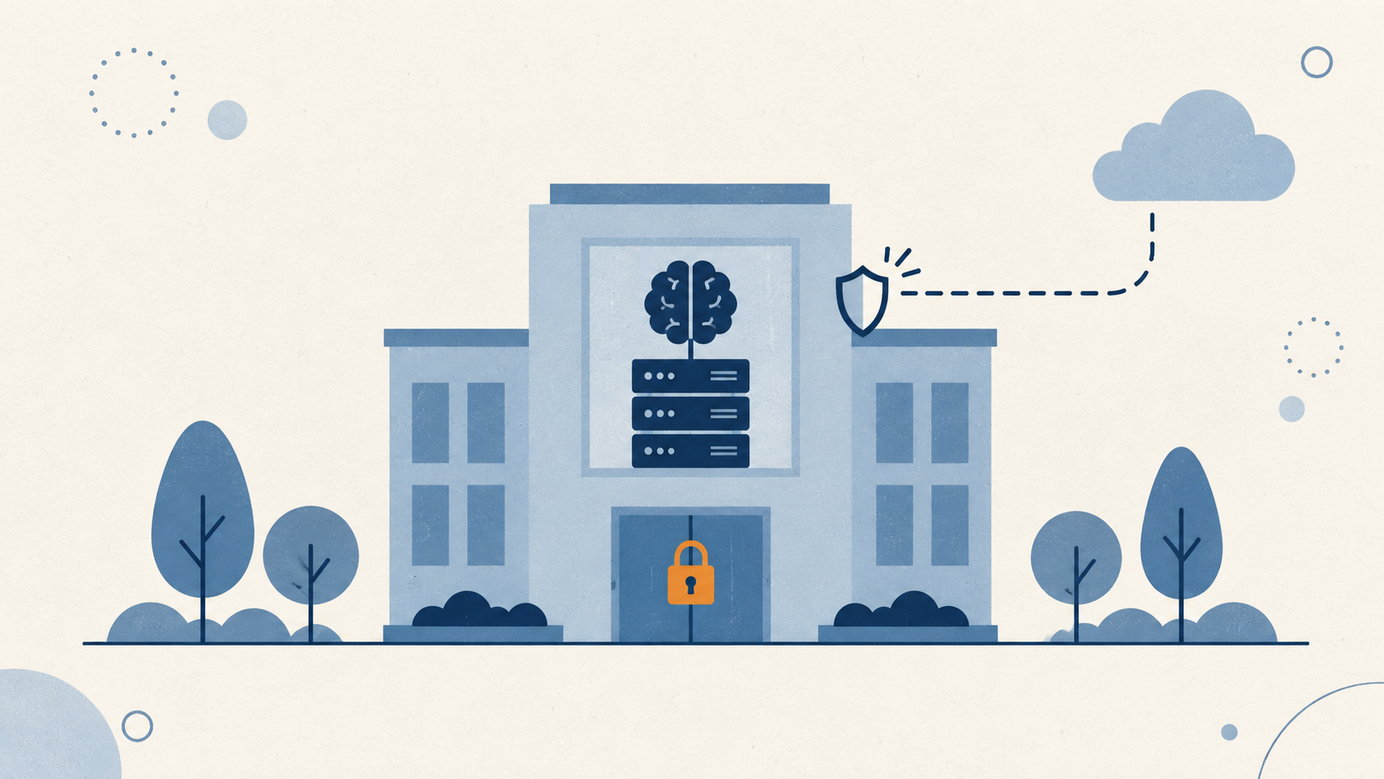
Imagine hiring a programmer who never sleeps, never bills by the hour and - this is the important part - never takes a single file out of your office. That, more or less, is what the new generation of AI models running on your own computer promises.


Imagine hiring a programmer who never sleeps, never bills by the hour and - this is the important part - never takes a single file out of your office. That, more or less, is what the new generation of AI models running on your own computer promises. They're called local LLMs, and in 2026 they stopped being an enthusiast's toy and became a real option for businesses.
If you want the basics first: what an LLM is and what it is for.
What is a local LLM, and why should you care?
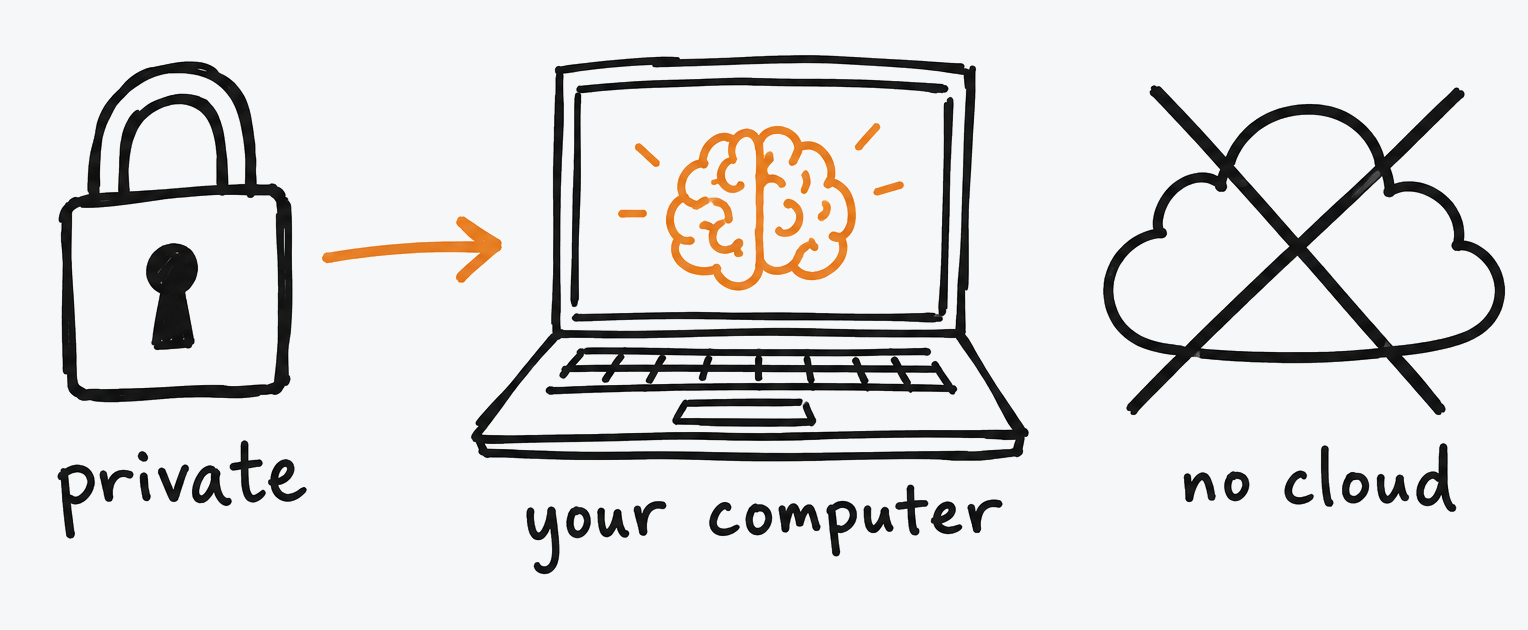
An LLM (large language model) is the engine behind tools like ChatGPT or Claude. Normally it lives on a provider's servers, and every question you ask travels across the internet to get there. A local LLM is the same kind of engine, downloaded and run on your own equipment: your office machine or even a well-specced Mac. "Open-weight" models are free to download, and the software to run them is free too.
Three business reasons to pay attention. First, privacy: your code and your data never leave your machine; if you handle proprietary code, client work, or anything under an NDA, this is the only option that keeps everything in-house. Second, cost: no per-token bill and no subscription, no matter how much you generate. Third, independence: it works offline, with no rate limits.
How good are they now?
The honest picture: the best open models score around 80% on SWE-bench Verified, a test where the model has to fix real software issues published on GitHub. The biggest cloud models sit around 90-95%. Translation: for everyday work they're close; for the hardest problems, the cloud still wins. These figures come from evaluations published by the vendors themselves, so read them as direction, not as a promise.
The names that matter in 2026
Atomic Chat's guide tested several models on the same computer, and these are the takeaways useful for a non-engineer:
- Qwen3-Coder 30B (Alibaba): the best daily driver. It was the fastest in their test by a wide margin (220 tokens per second) and fits a single 24 GB graphics card.
- Qwen3.6 27B (Alibaba): the most accurate model that fits on a home machine, at 77.2% on SWE-bench Verified per Qwen's figures. Slower, because it uses all of its parameters on every answer.
- Gemma 4 26B A4B (Google): the friendliest for modest hardware; it starts from about 12 GB of video memory.
- Laguna S 2.1 (Poolside): the most capable for long autonomous work, but it demands a serious machine (67-96 GB of memory).
My favorite detail from the original test: the model with the best official numbers was the only one that failed their physics simulation. Benchmarks don't write code for you; test with your real tasks.
What do you need to run one?
The quick rule: with standard compression (4-bit quantization, which shrinks the model while losing little quality), you need roughly 1 GB of memory per billion parameters. The sweet spot is models with 27-34 billion parameters: 16-24 GB of memory, meaning a good gaming GPU (like an RTX 4090) or a Mac with 24-32 GB of unified memory. The software is free - Atomic Chat, Ollama, or LM Studio - and the model plugs into the usual coding tools through a standard API, just as if it were a cloud service.
Should you bother?
My read: if your company handles sensitive code or client data that can't leave the building, local LLMs are worth a serious pilot now. If you're just curious or your needs are occasional, the cloud is still simpler and stronger at the top end. The right question isn't "which model is best?" but "which one fits my machine and solves my privacy problem?" And as always around here: test small, measure, and don't believe any slide.
If you want to run that pilot with this way of working: what vibe coding is, how to do it right and who it's for.
Sources and editorial note
Inspired by Atomic Chat's guide "Best Local LLM for Coding in 2026" (June 2026, updated August): https://atomic.chat/blog/guides/best-local-llms-for-coding. Official model pages: Qwen3-Coder and Qwen3.6 (Hugging Face), Gemma 4 (Google DeepMind) and Laguna S 2.1 (Poolside). Performance figures are vendor-reported or from one site's test; verify before quoting.
Was this article helpful?