

Claude Skills: Useful Skill Examples for Daily Work
Six concrete skills for day-to-day work: what each one does, why repetition makes them valuable and how to organize your library.

Claude skills started from a simple idea: package instructions, examples and resources into a folder that Claude loads exactly when the task calls for it. Since Anthropic introduced them in October 2025, they have become a practical way to turn repeated processes into reliable work. The guide on what skills are and how to create one covered the full structure; this piece moves to the next step: concrete examples that pay off in daily work, with criteria for choosing which ones to build first.

What makes a skill useful day to day
A skill earns its place when it meets three conditions. First: it describes a process you repeat at least once a week, so the effort of documenting it pays back quickly. Second: the process has clear rules that fit on paper, like a section order, a defined tone or a checklist. Third: the output improves when Claude follows those rules consistently instead of improvising each time.
Think about the difference from a loose prompt. A good prompt solves today's task; a skill turns that prompt into an asset that works just as well three months from now, used by you or by someone on your team. Claude detects the skill by its name and description, loads the full instructions only when the task requires them and pulls in extra files only when needed. That layered design lets you keep a wide library of active skills on the same account.
There is a fourth, less obvious condition: a skill pays off most when the process already exists on paper. If you still improvise the format each time, first solve the task by hand two or three times, watch what repeats and document that. A skill captures a practice that already works; writing it around an idea still being tested produces fragile instructions you will soon have to rewrite.
An executive-summary skill for long documents
The first example is the classic: getting to what matters in a sixty-page document in five minutes. The skill defines the exact summary format: three main findings, relevant figures with their context, the decisions the document asks for and a section of open points. It also defines the tone, for instance direct and sober, and the maximum length of each section.
The value shows up with repetition. The first improvised summary usually comes out fine; the tenth, under time pressure, comes out different, and the differences compound across a month of documents. With the skill, summary number fifty keeps the same structure as the first one, so your team learns to read that format and scans it in seconds, even on the busiest Friday of the quarter. You can include examples of good summaries inside the skill folder so Claude calibrates the level of detail you expect.
A spreadsheet skill that leaves data ready to use
The second example covers the full tabular-data cycle: receive a raw file, clean it and leave it ready for analysis. The skill documents your cleaning rules: preferred date formats, column names in your convention, treatment of empty cells and the table of valid categories. If you use helper scripts, the folder includes them and Claude runs them instead of reinventing the logic in every session.
The result is that the request "can you get this ready?" stops depending on who handles the file. The same rules apply to this week's sales report, next month's registry and the export that arrives from a partner with its own column names. When your rules change, you update the SKILL.md once and the improvement is available from that moment for every later run, with the whole history of the process living in plain text you can diff and review.
A skill for documents in your brand format
The third example builds on the file-creation capabilities Anthropic published alongside skills: Word documents, presentations, spreadsheets and PDFs with professional structure. Your skill adds the missing layer that makes those files look like yours: typefaces, colors, cover page, section order and heading style.
Here the skill folder does the heavy lifting. Keep a reference template, a short brand-usage guide and two or three approved examples, and name each file clearly so Claude reaches for the right one. Claude uses those materials as context every time it generates a new document, so Monday's commercial proposal and Friday's report share an identity even when different people requested them. That is the difference between handing over files that need reformatting and handing over files ready to send.
An email skill in your voice
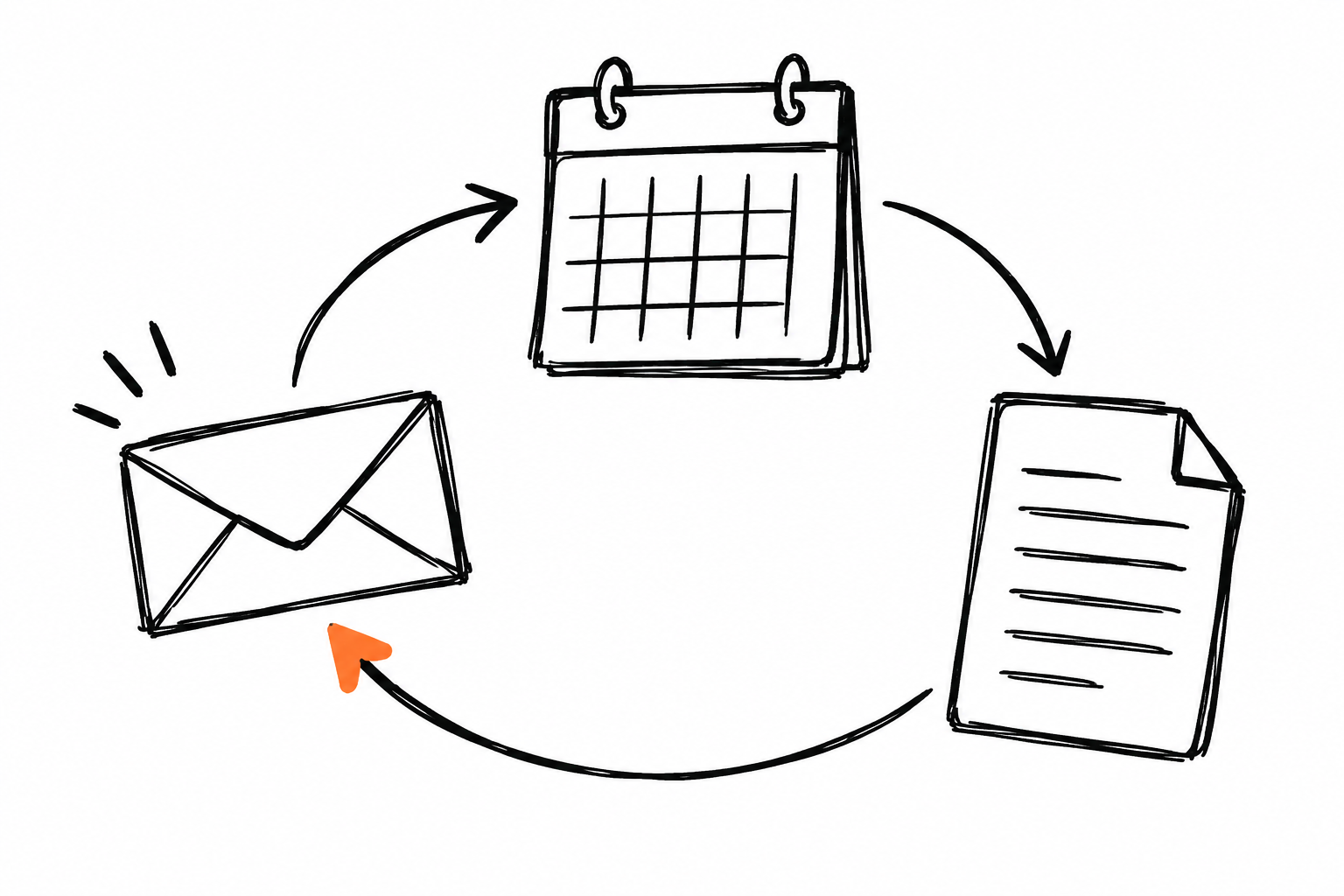
The fourth example is personal: a skill that captures how you write. Define your tone with real examples of emails you sent and liked, point out phrases you use often and record the ones you prefer to skip. Add practical rules: usual length, greetings by contact type and how you close a difficult request.
With that, asking "draft the reply to this client" produces a draft that sounds like you from the first version, and your job becomes reviewing and adjusting instead of writing from scratch. The skill improves over time: every edited email is material for a new example inside the folder, and the instructions sharpen with each iteration. When your week calls for it, split two variants: one for external contacts, with more context and formality, and one for the internal team, shorter and more direct. Two small, well-scoped skills produce better drafts than one that tries to cover both registers at once.
A meeting-prep skill
The fifth example organizes the run-up to your meetings. The skill defines a preparation format: meeting objective, participant context, three agenda points and the questions worth having ready. If you add your notes from previous meetings, the brief also includes open commitments and topics left pending.
The same approach covers the follow-through: one section of the skill defines how to turn the transcript or your notes into minutes, with agreements, owners and dates. Preparation and follow-up share the same language, so the whole chain stays documented and every new meeting inherits the format of the ones before it. If you already practice the daily routine with the essential Claude Code commands, this skill fits as the complement for everything that happens around the terminal.
A research-brief skill with sources
The sixth example works for commissioning research against a clear standard. The skill defines the brief's shape: main question, enough context, findings organized by subtopic and a closing list of sources with links. It also records your quality criteria: prefer primary sources, date every figure and mark anything that is inference rather than fact.
The resulting brief becomes comparable across assignments. Two different investigations, produced weeks apart, read with the same logic and the same level of evidence. For a team, that means anyone can request research and receive a document in the format everyone already knows how to read. One practical detail that adds a lot: ask in the instructions for every figure to come with its source and date, so the brief ages well and anyone can verify a data point months later, skipping a full rebuild of the search.
How to organize your skill library
With six active skills, order matters as much as content. Use names that describe the action, like executive-summary or source-brief, because Claude selects the skill from its name and description. Keep each folder focused on a single process: two small, precise skills outperform one giant that tries to cover everything. Store approved examples inside each folder, review the instructions every so often and remove what has gone stale.
The practical recommendation is to start with a single skill, the one for the process you repeat most, and use it for two weeks before creating the second, watching closely where the output drifts from what you would have done by hand. That way you learn what level of detail works in your instructions, which examples are worth keeping and which rules Claude follows better when they come with a short reason attached. The library grows on evidence, and each new skill comes out better written than the one before.
A short monthly pass keeps the library healthy: open each SKILL.md, confirm the description still reflects when it should trigger and refresh the examples with the best recent result. Skills are plain text files, so they travel well between tools and between people; sharing the folder with your team is the same as sharing the full process, rules and examples included.
Wrapping up
Useful daily-work skills share one pattern: they turn a repeated process into a documented asset that Claude executes with consistency. Summaries, spreadsheets, brand documents, emails, meetings and research are six proven starting points, and the best first step is picking the process that takes the most time from your week, documenting it calmly and writing its skill this very afternoon so you can start measuring the change tomorrow.
Sources
Was this article helpful?