
Can Work IQ use your company data without amplifying its mistakes?
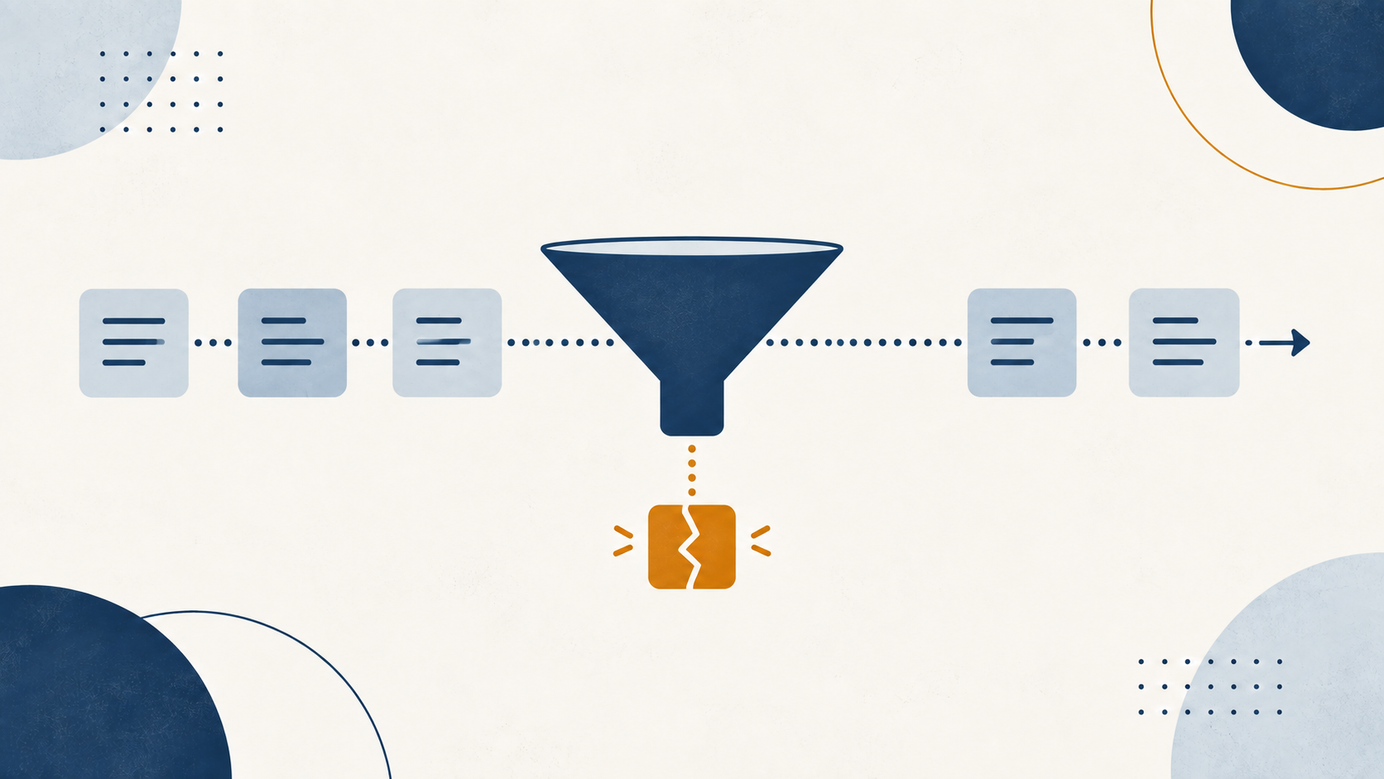
Short answer: it can help connect data and processes, but the result depends on data quality, freshness and access rights. Before adding context, decide who owns each source, which roles can see it and which record is authoritative.


Short answer: it can help connect data and processes, but the result depends on data quality, freshness and access rights. Before adding context, decide who owns each source, which roles can see it and which record is authoritative. More bad context is not business intelligence; it is confusion with access to more folders.
On September 25, 2026, Microsoft described a public preview of Work IQ for business applications connecting context across Microsoft 365, Dynamics 365 and Power Platform. Its example combines sales, service, contracts and email around a renewal. Microsoft says administrators can scope tables and columns, exclude outdated views and set up governed actions. Those are announced capabilities. Verify availability, permissions and behavior in your environment before relying on them. Source: Microsoft Work IQ.
The September announcements in one place: from AI chat to AI work: agents, September 2026.
When does context help?
When a question needs information from several systems and everyone shares the same definitions. A hypothetical question, "Which accounts need attention before renewal?", requires a definition of renewal, the current contract and the location of open service cases. A useful answer should link to source records and distinguish facts from inferences. Microsoft's announcement describes business applications remaining systems of record while context connects what they contain.
When does it hurt?
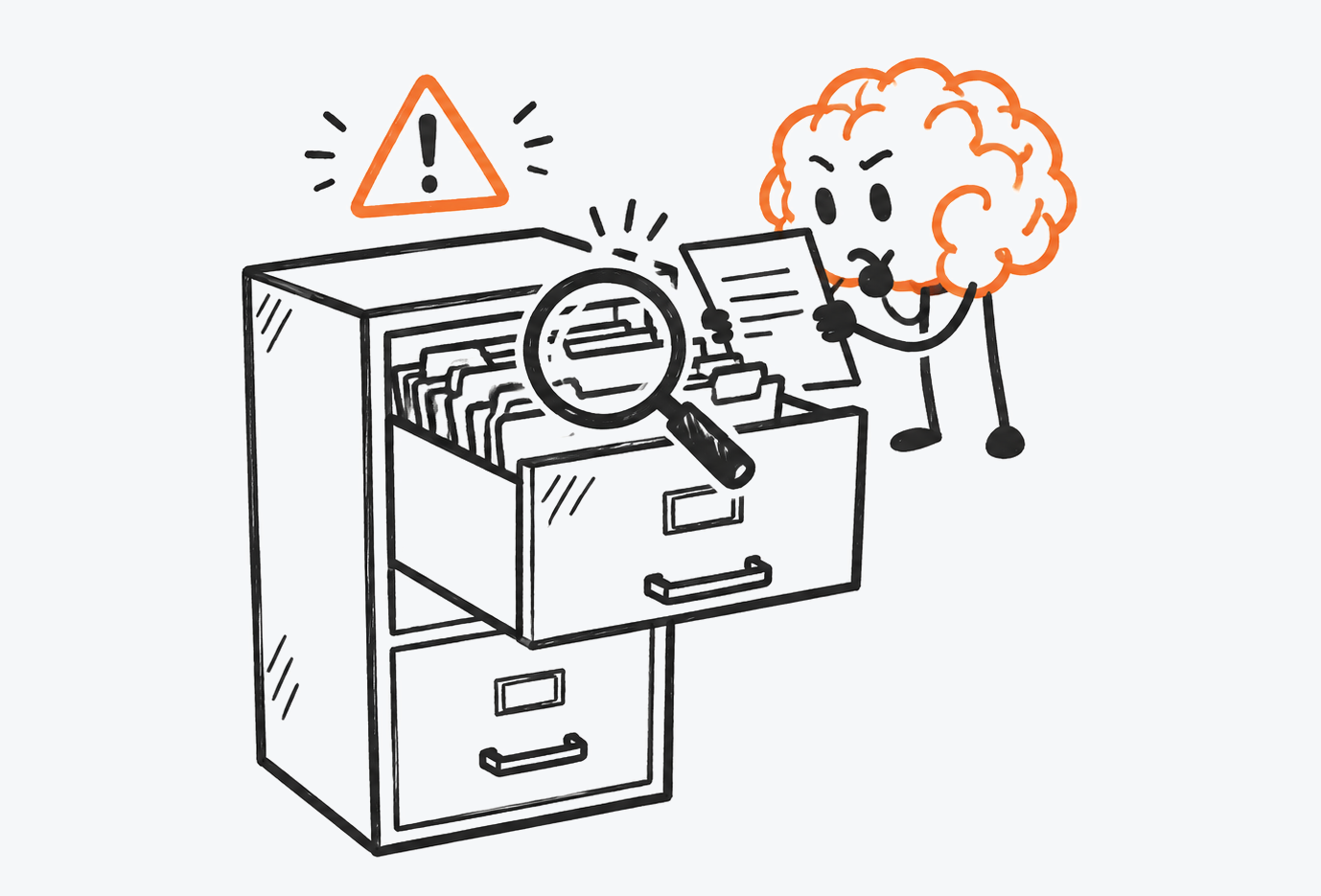
- Old records: an expired policy may look current. Give it an owner and review date.
- Inherited permissions: employees may see more than their job requires. Check groups, shared folders and service accounts before connecting agents.
- Conflicting definitions: "active customer" may mean something different in sales and finance. Record the meaning and which system prevails.
- Actions without review: finding a sales opportunity does not grant permission to change a contract. Microsoft's own example includes approval before a concession.
A small data-governance test
- Pick ten real questions from one process, rather than questions designed to flatter the tool.
- For each, identify the official source, owner, update date and proper audience.
- Test with two permission profiles. If both see the same sensitive information when they should not, stop.
- Require a link to the original record; flag incomplete or contradictory answers.
- Keep output in draft form until the owner approves quality and access.
NIST organizes AI risk work as govern, map, measure and manage. That helps assign owners and test evidence; it does not certify a product for your specific case. Source: NIST AI RMF.
On who should own security in these cases: who owns security when AI starts taking actions.
Start here: audit a sample of documents and records your first use case would touch. If you cannot name the owner, date and correct readers, fix that before adding an agent.
Sources
- Microsoft: Work IQ and business applications (Sep 25, 2026).
- Microsoft: Copilot, Home, Code and Autopilot (Sep 25, 2026).
- NIST: AI RMF.
Was this article helpful?