OpenClaw vs Claude Code: Compared
The open agent stewarded by the OpenClaw Foundation versus Anthropic's managed terminal: stewardship, interface, economics and permissions.

In August 2026 there are two clearly different ways to put an AI agent to work in your daily life. One is a lab's managed tool: Claude Code, Anthropic's terminal agent included in its plans. The other is the open project running on your own machine: OpenClaw, the open-source autonomous agent that became a phenomenon early this year. Both execute real tasks with large language models, and both use skills packaged as SKILL.md files. Almost everything else separates them: where they run, how you talk to them, who stewards the project, how you pay, and how much care each one demands.
This comparison lays out those differences as they stood in early August 2026, drawn from each project's official sources.
Before the details, one framing note: both projects move fast. The comparison below describes their state in early August 2026, and each official site linked at the end carries the current state.

What each one is
Claude Code is Anthropic's agent tool: it lives in the terminal, has VS Code and JetBrains extensions, a growing ecosystem of plugins and marketplaces, and comes included in Claude's paid plans. Model, tool and subscription come from the same house, with managed updates and a built-in permission system.
OpenClaw is an open-source autonomous agent under the MIT license. The project was started by Austrian programmer Peter Steinberger in November 2025 under the name Warelay, went through several renames in January 2026 (Clawdbot, then Moltbot, after a trademark complaint by Anthropic, and finally OpenClaw on January 30) and exploded in popularity through the spring: the repository passed 240,000 GitHub stars in early March. In February 2026 Steinberger announced he was joining OpenAI and that the OpenClaw Foundation, an independent 501(c)(3), would steward the project from then on.
OpenClaw's lightning history shows the speed of the open ecosystem: in under nine months it went from personal project to global phenomenon, with Chinese adaptations for DeepSeek models and local messaging apps, commercial services built on top by major tech companies, and a foundation with a dedicated team. Few software projects have traveled that road so fast.
The stewardship difference matters when evaluating both: on one side, a product inside a lab's catalog; on the other, a community project with a neutral foundation behind it, in the style of Linux or Mozilla.
Where they run and how you talk to them
Claude Code works where your code works: the terminal and the editor. You open a session in the project directory and chat there; the agent reads files, proposes changes, runs commands with your permission and operates on the repository in front of you.
OpenClaw runs as a service on your machine (or a server of yours) and its main interface is the messaging apps you already use: WhatsApp, Telegram, Signal or Discord. You write to your agent the way you write to a person, from phone or computer, and the agent acts on the machine where it is installed: reading your email, checking your calendar, running commands, browsing sites. Configuration and conversation memory are stored locally, so the agent keeps persistent context across sessions and can act proactively on scheduled tasks.
OpenClaw also separates its pieces in a modular way: the gateway runs as a process on your machine, messaging channels connect to it, and the model arrives as a configurable external provider. That modularity lets you change channels or models while keeping the same agent, its memory and its skills, and it explains much of the community's experimentation around the project through 2026.
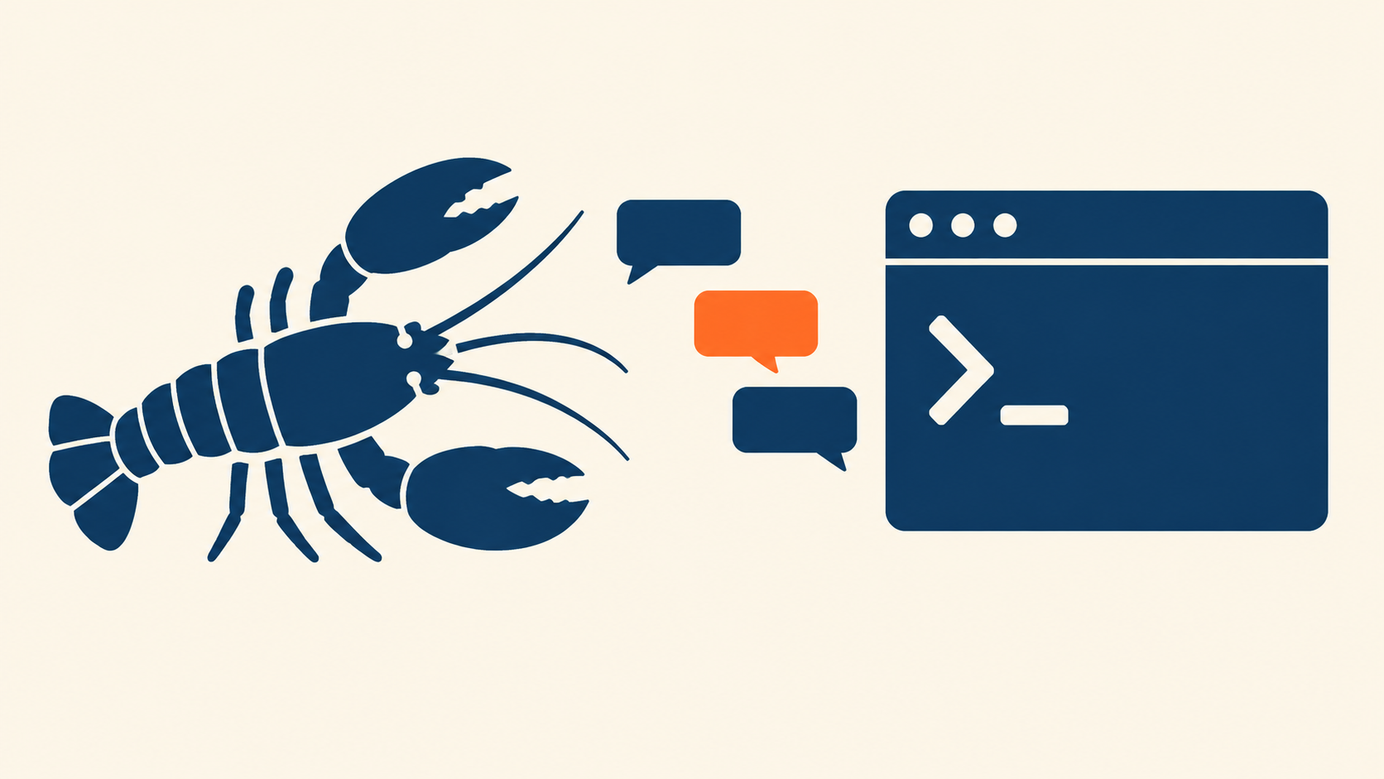
The practical contrast is clear: Claude Code is a work companion inside the project you have open; OpenClaw is an always-on personal assistant you talk to over chat.
Models and costs
Claude Code is paid through the Claude subscription: the $20 Pro plan includes it, and the $100 and $200 Max plans expand usage, all with a pool shared between chat and terminal. The price and limit details are in the pricing and limits comparison from this series.
OpenClaw is free software: the code is yours to download and use. What you pay is the model. The agent connects to external providers through your own API keys (Claude, OpenAI's GPT models, DeepSeek and others) and each provider bills you per token on its own table; it can even reuse an existing login from either company's CLI tools when you already have one configured. Add the machine it runs on: a computer left on at home or a rented server. The total depends entirely on how much you use it and with which model, so two people running the same agent can end up with very different monthly bills.
There is also an availability nuance: the always-on agent can answer you at eleven at night from the home server, while the terminal session accompanies your working hours in front of the editor. For anyone splitting activity between desk and phone, that availability difference weighs as much as the price difference.
The economic reading: Claude Code's subscription is predictable with a clear ceiling; OpenClaw turns spending into a variable and gives you in exchange the freedom to pick a model per task, including cheap models for light work.

Skills: the format they share
Both tools organize capabilities with the same format: directories containing a SKILL.md file with metadata and instructions, plus optional supporting files. Claude Code loads them from your personal folder, the project or plugins; OpenClaw bundles some, allows installing more globally and gives precedence to workspace skills. The guide on what skills are and how to create one explains the format in detail, and the comparison of skills versus repeated prompts covers when packaging a procedure pays off.
Having both ecosystems speak the same format carries a pleasant practical consequence: a procedure well packaged for one tool adapts to the other with little work, and this series' guides on creating skills and on examples apply in both worlds.
The point to watch on both sides is provenance: a skill is a package of instructions the agent will run with its permissions. In OpenClaw's ecosystem, Cisco researchers tested a third-party skill in 2026 and found it exfiltrated data through prompt injection, noting that the skill repository lacked sufficient vetting. The practical rule applies to both ecosystems: install skills from known origins and read their contents before activating them.
The ecosystem around each one
Around Claude Code grows a catalog of plugins and marketplaces curated through the tool itself, plus the documentation, changelog and support of a single vendor. Around OpenClaw grows the wider open-source world: community skill directories, deployment guides, adaptations for other models and messaging apps, and services built on top of the project by third parties. The first path gives coherence and a single place to ask; the second gives variety and speed, with the homework of judging the quality of each contribution yourself. Neither is inherently better; they simply ask different things of the person adopting them.
Permissions and configuration care
Here lives the difference that weighs most when deciding. An agent with access to email, calendar, messaging and a terminal holds the keys to your digital life, and each project answers that in its own way.
Claude Code operates with a per-action permission system: the tool asks for confirmation on sensitive commands, limits what each session can touch and concentrates its reach on the project and the tools you connect. Broad reach arrives only when you enable it piece by piece.
OpenClaw, by design, needs broad permissions to be useful as a personal assistant, and that breadth demands care from whoever installs it. Researchers and the community itself have said it plainly: an exposed or misconfigured instance opens the door to leaks, the agent is susceptible to prompt injection through the data it processes, and one of its maintainers went as far as warning that anyone unfamiliar with the command line would do well to stay away from the project. In March 2026, Chinese authorities went as far as restricting its use in state offices over these considerations. The lesson is that its power demands careful administration: reviewing which channels you connect, which skills you activate and where the gateway is exposed.
When each one fits
With the full map, the choice sorts itself by scenario.
For programming work inside projects, with change reviews, focused sessions and the backing of a predictable subscription, Claude Code fits directly: the tool lives in the flow of the code and its cost and limits are known in advance.
For continuous personal assistance, with messaging conversations, persistent memory, scheduled tasks and total model freedom, OpenClaw offers something beyond managed tools: an agent that is yours, on your machine, under your rules. In exchange it asks for comfort with the terminal, configuration discipline and a periodic review of permissions and skills.
The two actually coexist well: some people use OpenClaw as the general assistance layer and Claude Code for deep code work, even connecting the former to the latter's subscription as a model provider, a combination OpenClaw's documentation contemplates.
What stays constant in every scenario is the foundation: understanding what each piece does, what permissions it holds and where it comes from. With agents growing more capable, that judgment is worth more than any feature table.
Sources
Was this article helpful?