
Claude Code: Plugins and Extensions Worth Knowing
The map of Claude Code plugins, commands, subagents, hooks, MCP and marketplaces, with judgment for installing and building your own.

Claude Code starts as a capable terminal tool and ends up as something closer to an environment shaped around you. The difference between those two states comes from its extension points: custom commands, subagents, hooks, MCP servers and, since October 2025, plugins that package all of that into a single installable unit. The ecosystem grew fast, and the map is worth learning before installing anything, because each piece solves a different problem.
This guide lays out that map as it stood in August 2026: what a plugin is, how it differs from an editor extension, what MCP adds, how to evaluate a piece before adding it to your setup and when building your own pays off.

The map of the pieces
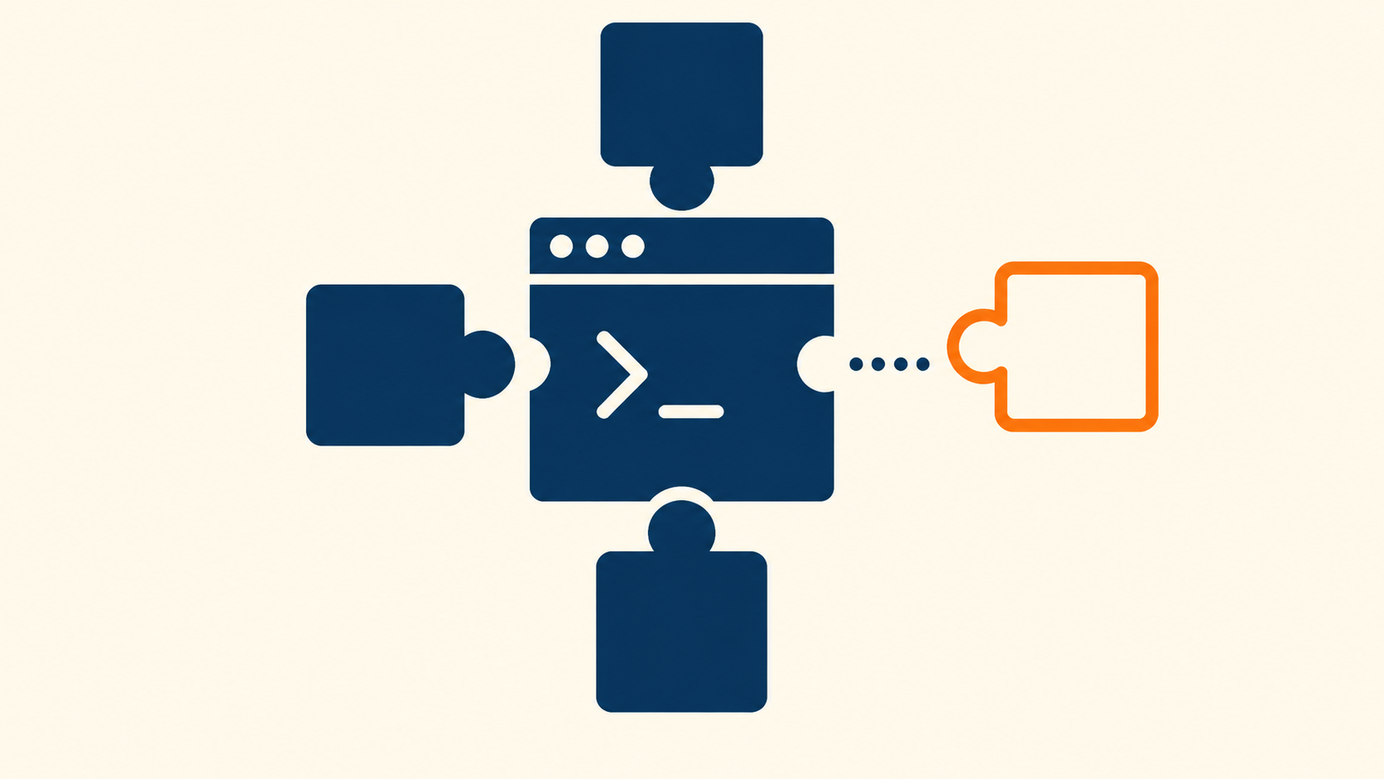
Before talking about plugins it helps to name the pieces they package, because a plugin is exactly that: a bundle of components that Claude Code loads as one unit. The main components are four, plus a later addition.
Custom slash commands are shortcuts you define for frequent operations: review a diff with certain criteria, prepare a release, generate a migration in your format. Subagents are purpose-built agents that work inside your session, each with its own instructions and focus, useful for specialized work like code review or research. Hooks are attachment points in Claude Code's flow: they run your own actions at key moments, for example running the linter every time the tool modifies a file. MCP servers connect Claude Code to external tools and data sources through the Model Context Protocol: your issue tracker, your database, your internal documentation.
Then there are skills, packaged procedures Claude loads when the task calls for them. If you want to go deeper on that piece, the guide on what skills are and how to create one covers it in detail.
What a plugin is, exactly
Anthropic introduced Claude Code plugins on October 9, 2025, in public beta, with a direct idea: any combination of commands, subagents, MCP servers and hooks should install with a single command. The motivation came from watching the community build increasingly powerful setups that people wanted to share with teammates and with the broader community.
Technically, a plugin is a directory with a manifest, a JSON file at .claude-plugin/plugin.json that gives it a name, version and description, plus the components it packages. You install it from the terminal with the /plugin command, which opens a menu to browse, install and manage. One design detail matters: plugins toggle on and off as needed. You enable one when you need its capabilities and disable it afterward, reducing the context it occupies in each session.
That on and off capability changes the economics of the system: instead of choosing a single permanent configuration, you keep a library of capabilities and use the one that fits the day's work.
Marketplaces: where plugins come from
Plugins reach your environment through marketplaces, which are plugin catalogs published as git repositories. A marketplace lists the available plugins and where to fetch each one; you can add Anthropic's official marketplace, your company's or community ones, and the /plugin command shows everything your marketplaces offer in its Discover tab.
The model is deliberately open: any team can publish its own catalog in a repository and share it with anyone. That enables two uses that complement each other. The first is community-driven: people publishing collections of commands and agents for common flows. The second is internal: companies distributing a private marketplace to their teams with the house standards packaged.
Administration stays centralized in the same /plugin command: from there you add a marketplace, see what plugins it offers, install the one you need and review which ones are active in each project. That visibility matters when you work across several repositories, because each project can have its own active set and you always know which capabilities are loaded in the current session.
Editor extensions: a different piece
Two things get mixed up in conversation: Claude Code plugins and editor extensions. The VS Code extension and the JetBrains plugin bring Claude Code inside the editor: you see diffs in context, work with the current selection and keep the session next to the code. They are the way to carry Claude Code into your editing environment, and they install from each editor's marketplace.
A Claude Code plugin, in contrast, extends what the tool can do, and it works the same from the terminal or the editor. The two pieces combine well: the extension brings the tool to your screen and the plugins teach it your flows.

MCP: the connector to your systems
The Model Context Protocol earns its own mention because it is how Claude Code talks to the rest of your world. An MCP server exposes tools and data: query issues, read database schemas, search documentation, create records. Anthropic introduced it as an open standard, and by August 2026 servers existed for most of a software team's usual tools.
You can connect an MCP server directly to your configuration, and you can also receive it packaged inside a plugin. The second path is the comfortable one when the server comes with commands and agents designed to work with it.
The practical value shows up in daily work: instead of copying a table schema by hand, Claude queries it; instead of pasting an issue's text, the tool reads it from the tracker and can update it when the work is done. Each connection saves context round trips, and the whole set turns Claude Code into one more piece of your toolchain instead of a separate island.
How to evaluate a piece before installing it
With any open ecosystem comes the right question: what is worth installing and what is worth skipping. A practical criterion has four steps.
First, look at the origin. A plugin from the official marketplace or your company starts with more trust than one from an unknown repository, and a marketplace with recent maintenance says more than an abandoned one. Second, read the content before installing: a plugin is a directory of text, so you can review exactly which commands, hooks and servers it carries, and that reading takes minutes. Third, start with one piece at a time and watch how your session changes; installing five plugins together makes it hard to tell which one helps and which one gets in the way. Fourth, disable what you stop using: the ability to turn plugins off exists precisely to keep the environment light.
One more habit pays for itself: keep a short note of what each installed piece does for you. A month later, when the session feels heavy or a behavior surprises you, that note tells you which plugin to revisit. Teams that adopt this habit end up with small, deliberate setups instead of an accumulation of half-remembered additions.
This bounded-test criterion resembles the one for evaluating the whole tool; the guide on how to test a tool on your own project develops that method in more detail.
Plugins for teams: packaged standards
The use case Anthropic highlighted from the announcement is team standardization. An engineering lead can package into a plugin the hooks that run the house checks, the commands that prepare releases in the agreed format and the review agents carrying the team's criteria. Then they publish the internal marketplace and each person installs it with one command.
The effect is that good practices stop living in a document nobody rereads and start living in the tool the team uses daily. When the standard changes, the plugin gets updated and everyone receives the new version.
Onboarding changes too: a new hire installs the internal marketplace on day one and their environment already knows the flows, formats and checks of the house. Learning that used to take weeks of questions comes packaged in the tool, and the team spends that time explaining the deeper decisions instead of the concrete commands.
When to build your own plugin
The moment to build one arrives when you catch yourself sharing the same configuration for the third time: you pass your commands to a colleague over chat, you copy a hook between projects, you repeat a flow's instructions in every new repository. Packaging that as a plugin turns the transfer into one command and maintenance into a single edit.
Building one starts simple: a directory with its manifest and the components you already have. The official documentation covers the full format, including publishing to your own marketplace if you want to distribute it. And if your package is basically a procedure with steps, consider whether a skill solves it with fewer pieces; the skill examples for daily work help compare both options.
An ecosystem to use with judgment
Claude Code's plugins and extensions turn a good tool into your tool, and they do it in layers: the editor extension brings the work to your screen, MCP connects your systems, plugins package whole flows and marketplaces distribute them. The rule that organizes everything is the same as always: install one piece at a time, review what you add and switch off what you stop using. With that judgment, the ecosystem works in your favor from the first week.
Sources
Was this article helpful?